Garmin Edge MTB on an eMTB: maps, Bosch connectivity and what to configure
Technical guide · eMTB PRO
A GPS can offer more than another screen on the handlebar. We examine the Edge MTB, its connection to compatible eBikes, the limitations of 5 Hz recording and how to prepare it for a real ride.
Advertisement / sponsored link
What do you need it for: navigation or analysing descents?
An eMTB almost always already has a display or controller showing system information. Adding a GPS makes sense if it fills a gap: following unfamiliar routes, checking junctions or separating your descents from the rest of the ride. If you only need speed and battery level, first check what your own bike offers.
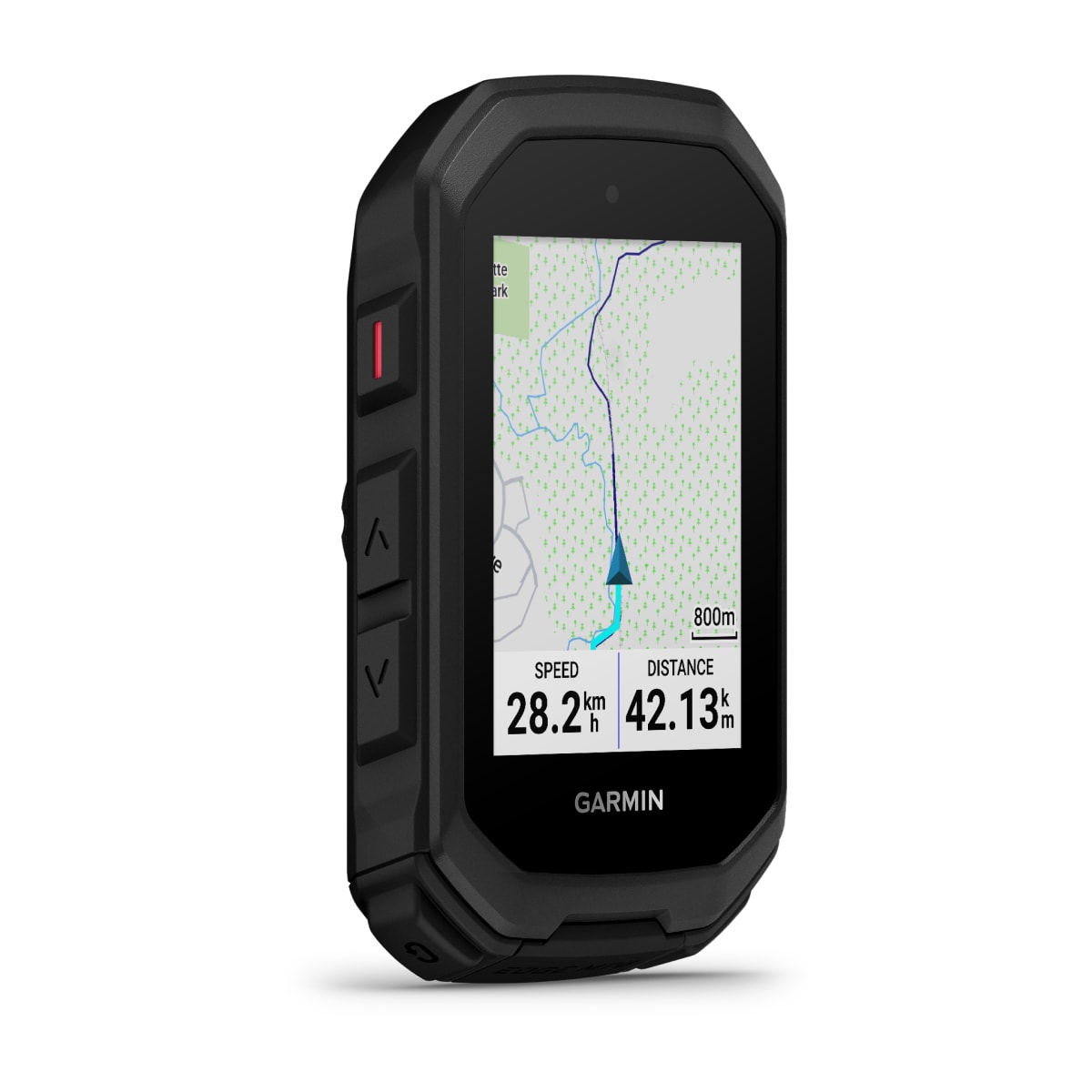
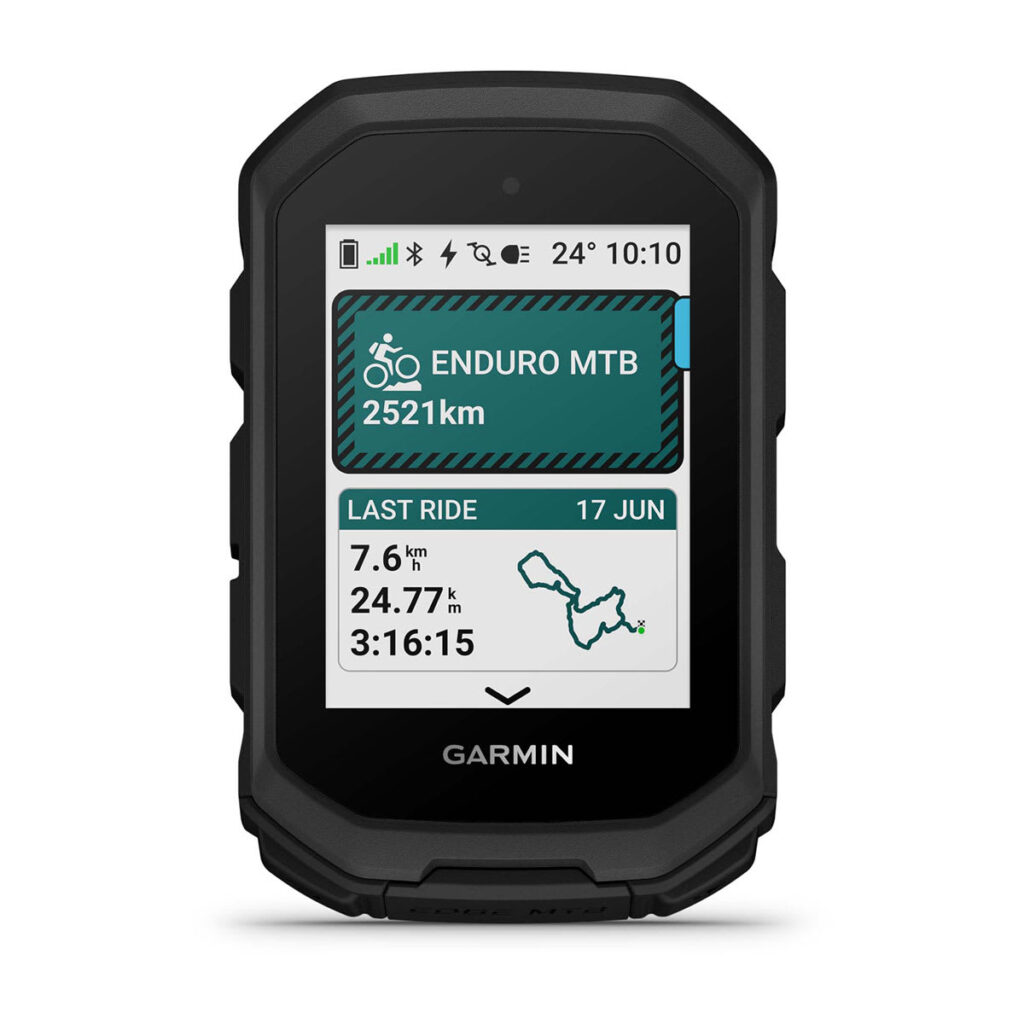
The Garmin Edge MTB is a specialist device, not a new launch today. This guide reviews its documentation to help you buy and configure it in September 2026. We have not ride-tested this unit: practical assessments reflect editorial judgement, not measured results.
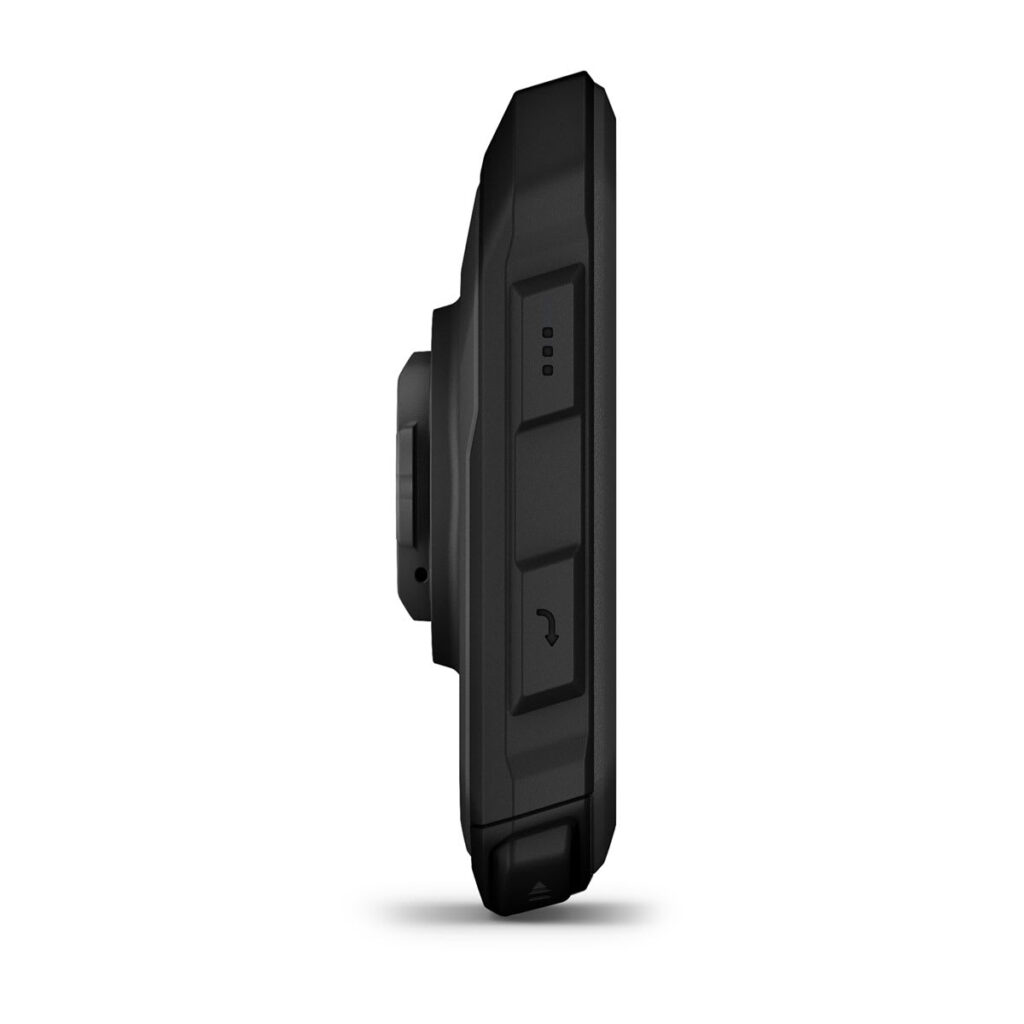
The Spanish product page consulted lists €399.99, a 2.13-inch screen, 240 × 320 resolution and a weight of 58 g. This is a reference price on that date, not a guaranteed offer. Operating it with seven buttons requires learning a different approach from using a phone. Before deciding, try reading the map at your usual viewing distance: a compact screen leaves more space free, but you cannot keep enlarging the text indefinitely without losing context.
Advertisement / sponsored link
Quick decision: if your rides include new trails and repeated descents, it is worth considering. If you always follow the group on familiar routes, you may gain more from skills training, maintenance or better tires.
Bosch smart system: connectivity is available, but check your setup
Do not repeat outdated information claiming Bosch and Garmin cannot connect. Bosch documents its Live Data Interface, a Bluetooth Low Energy interface for sharing smart system data, and explicitly names the Edge MTB among compatible models. Garmin's current product page also lists Bosch smart system among supported eBikes.
The official explanation of Bosch details data such as rider power, cadence and battery charge. Clearly distinguish the power you produce from motor power: they are not interchangeable when analysing training. That statement describes the initial rollout, then in beta; it should not be used to claim that any Garmin or Bosch system will work today.
This compatibility concerns the smart system. Do not automatically extend it to earlier generations just because the motor cover also says CX. Before paying, identify your bike's system and confirm software versions and supported data fields. Request a demonstration with your bike if integration is your main reason for buying.
The Edge is still a GPS even if it receives no motor data. Navigation and activity recording do not imply access to battery level, assistance mode or estimated range. Nor should you remove required bike controls: displaying information on another screen does not make the GPS a universal replacement for the original controller.
Shimano, Avinox and sensors: do not confuse Bluetooth with compatibility
The Wireless sensor manual allows compatible accessories to be paired via ANT+ or Bluetooth and covers eBike systems, including Shimano. The documentation on eBike training explains that you must first pair the bike, then customise optional data fields. The key word is 'compatible': both devices having a wireless radio is not enough.
For Avinox and other systems, this guide does not consider universal integration confirmed. Check the motor model, firmware, protocol and available data fields with the manufacturer. Being able to connect a heart-rate monitor to a bike does not prove that the bike transmits its battery level to the Edge.
| What you want to see | What to check | What you shouldn't assume |
|---|---|---|
| eMTB battery level | Compatible eBike sensor and a data field showing an actual reading | That the GPS battery percentage is the bike's battery percentage |
| Cadence and rider power | Data source and system support | That every wattage figure represents your effort |
| Selected gear | Compatible drivetrain and connection | That connecting the motor also connects the shifting system |
| Navigation | Appropriate maps, route and profile | That it needs to receive motor data |
After pairing, take a short ride on a familiar route. Check that the values change sensibly and reappear after switching the setup off and on. Discovering an empty field close to home is much better than investigating it thirty kilometres from the car.
Trailforks and ForkSight: knowing what lies beyond the junction
With the right map, ForkSight shows trail options when you stop during an activity: directions, climbs, descents and elevation profiles. It is more than an arrow telling you to continue. Its value lies in comparing alternatives when a climb, the time available or the group's condition suggests changing the plan.
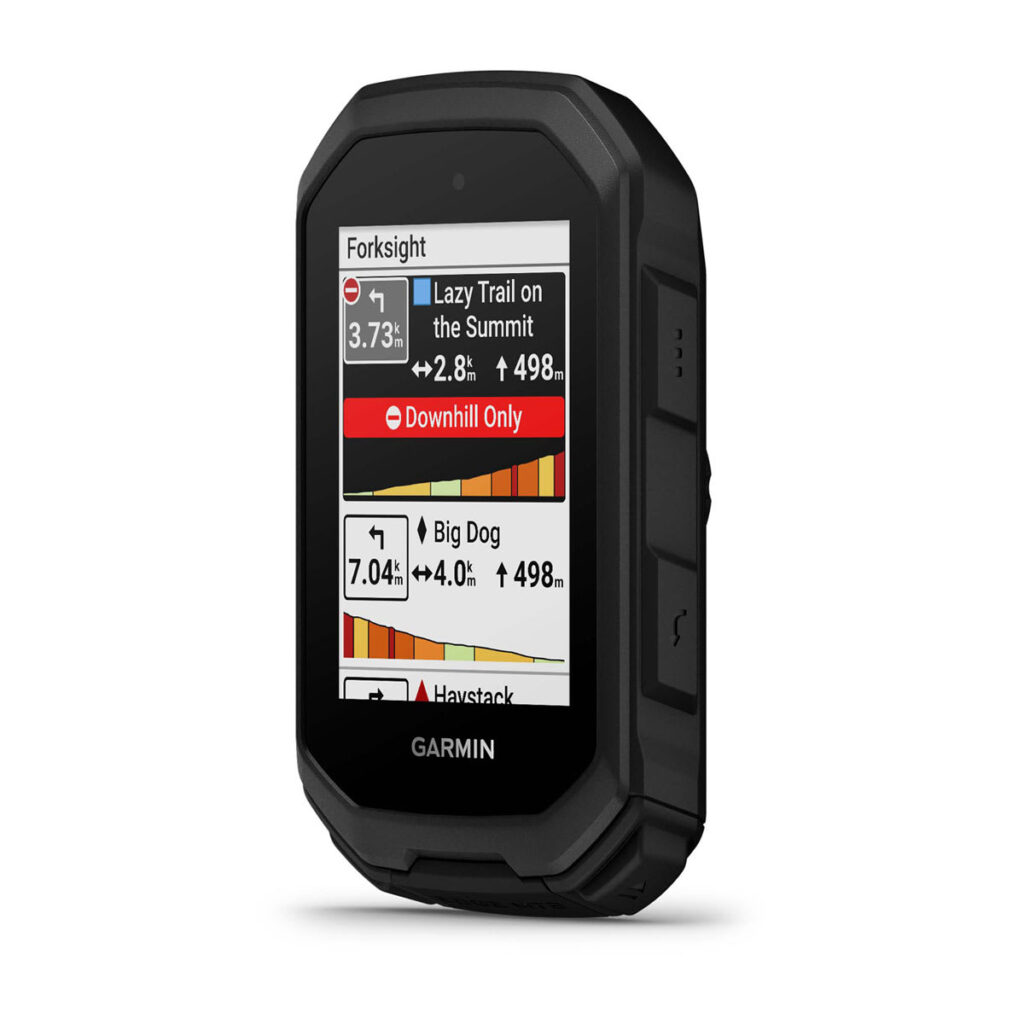
In Spain, check map coverage for your area beforehand and cross-check the route against local information. A trail appearing in a database does not, in itself, confirm permission to ride it, that it is currently open or that it is suitable for a heavy eMTB. A map may not show a fallen tree, a closed property or recent rain damage either.
A sensible choice at a fork depends on more than the difficulty colour. Consider alternative exits, remaining climbing, available daylight and battery reserves. If the mapped route and the terrain do not match, stop somewhere safe and reassess; do not speed up to reach a line on the screen. Also keep a clear plan for getting back without relying on a single device.
5 Hz recording is not always active
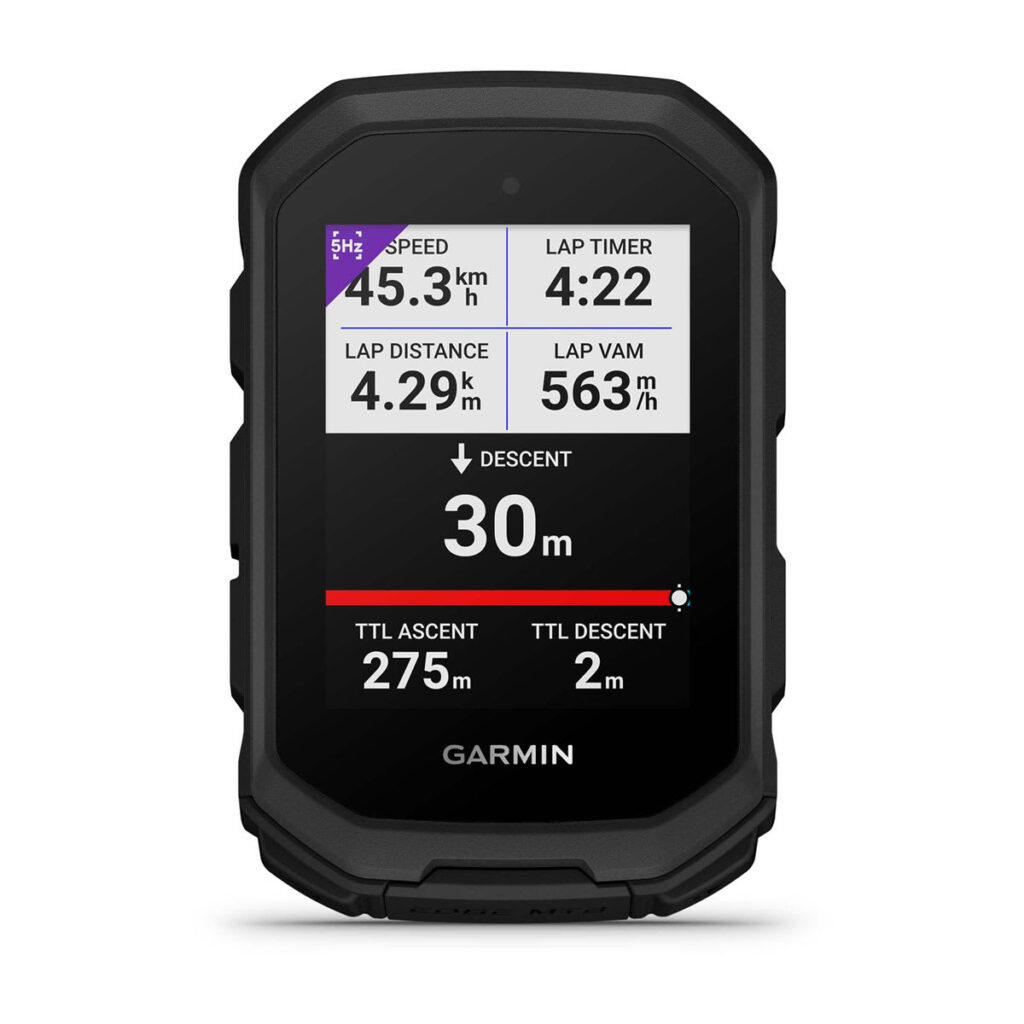
The 5 Hz recording manual limits this feature, when enabled, to descents in the MTB Enduro and MTB Downhill profiles. Also, it does not work in battery saving mode. Recording more positions per second does not mean the device is five times more accurate in every situation or that it eliminates errors under tree cover.
Advertisement / sponsored link
Advertisement / sponsored link
The MTB Enduro profile separates climbs and descents. The MTB Downhill profile is designed for getting back uphill by lift or transport and focusing on descents. For an eMTB ride where you pedal uphill, do not choose Downhill just because the name sounds sportier: you could misinterpret the activity summary.
Think about what you want to learn from the file. When exploring, what matters is recording the route properly and being able to return. To compare several descents, keep conditions similar and separate the sections. Changing assistance, pressure and route between attempts makes it harder to attribute a time difference to a single adjustment. A personal time never justifies challenging other trail users for right of way.
ClimbPro and timing gates: two different tools
ClimbPro shows climbing information, such as remaining distance and ascent or gradient. It can be configured to work during navigation or free riding. On an eMTB, it helps you anticipate effort and decide in advance whether to maintain assistance or conserve energy. It does not directly measure how much energy your bike will consume on the next steep section.
The timing gates divide a course into timed splits. The manual requires you to be physically at each gate location and have a satellite signal to create it; up to ten gates are supported in addition to the start. This takes preparation, rather than promising professional timing simply by downloading a track.
Our advice for comparing settings: choose a familiar section, record a single change and note how it feels as well as the time. A slightly slower descent may be preferable if you gain control and finish less fatigued. Do not use the screen to chase split times through technical terrain; review the data when stopped or after finishing.
The mount matters as much as the screen
The Spanish package includes an MTB mount, a top-tube mount with a strap, a safety tether and a charging/data cable. Check the exact package reference if buying outside the Spanish distribution channel: a mount appearing in a photograph does not mean every additional accessory is included.
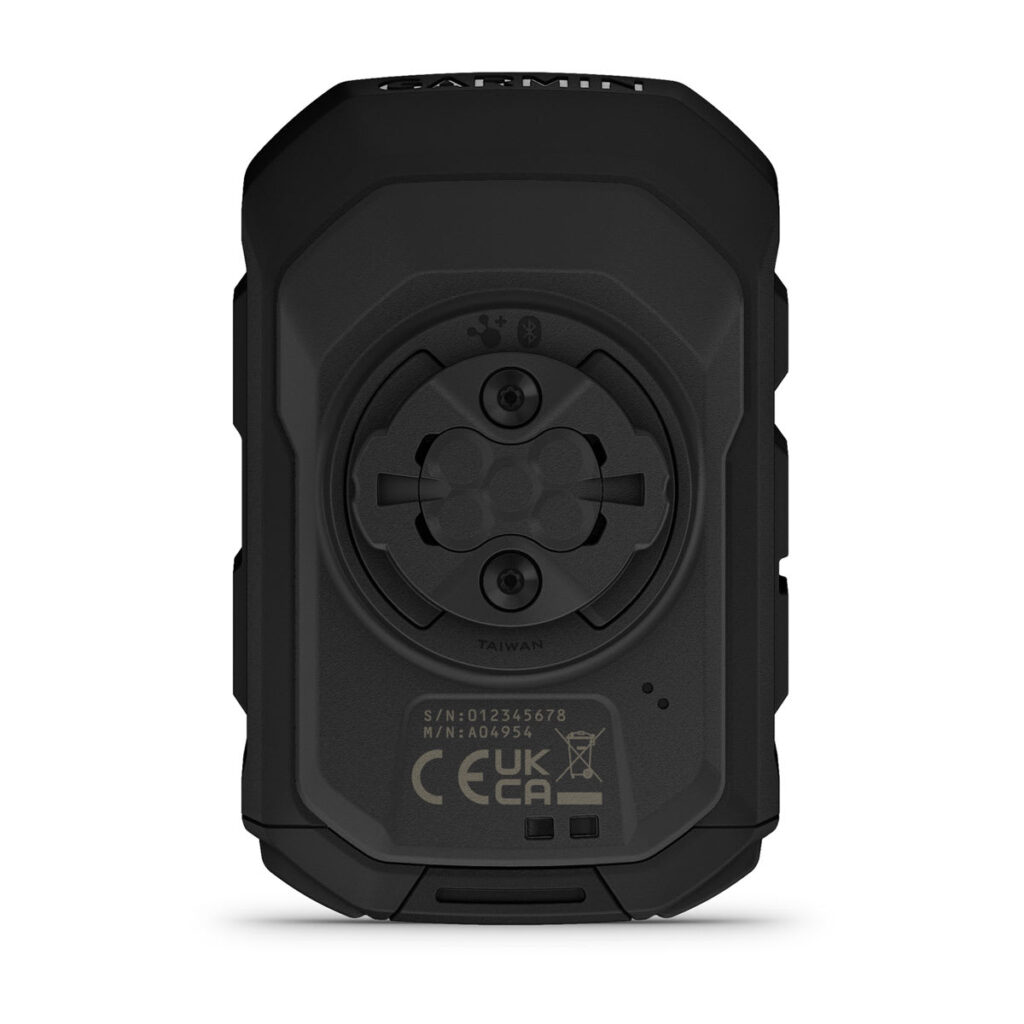
Find a position where you can read the device without interfering with cables, controls or movement. On an eBike, the top tube may already hold an integrated display, buttons or a battery cover. A poorly positioned strap can obscure a control or rub the finish. Before setting off, turn the handlebar both ways and check the setup with the bike stationary.
Garmin calls for a secure location and a clear view of the sky in its mounting instructions. Do not apply a mount's tightening torque to stem or frame bolts. Follow each component's instructions and consult the shop if unsure about a surface or mounting point. A mount that lets you twist the GPS to remove it must lock firmly in place while riding.
Two batteries to watch, not a single figure
The official Edge MTB battery life is up to 14 hours in demanding use and up to 26 in battery saver mode. These are claimed maximums, not our measurements or a guarantee for your setup. The difference between the modes has consequences: enabling battery saver while expecting 5 Hz recording would be contradictory.
Keep two data fields clearly separate: the GPS battery and the eMTB battery, if the latter is supported. Charge remaining in the bike does not ensure the navigation device will last a long day; starting with a fully charged GPS does not guarantee you can complete the climbing with assistance either.
A planning example, not a manufacturer calculation: a planned five-hour ride can take seven hours after a breakdown, a stop or a route change. Decide on your reserve before setting off and observe consumption on regular rides with your settings. For the bike's energy use, see our guide to Wh, elevation gain and real-world kilometres; do not treat a range estimate as an instruction to keep going.
Incident detection does not amount to guaranteed rescue
According to Incident detection manual, this is a supplementary feature. It needs configured contacts and a paired phone with mobile data and coverage. Garmin Connect can notify those contacts, but it does not call the emergency services for you. The alert includes a cancellation window if you do not need help.
GPS positioning and communication are therefore separate matters. You can know your position yet have no coverage to transmit it. Do not present the Edge alone as a satellite communicator. Do not assume every crash will be detected either: agree a plan with someone who knows your route and approximate return time.
Before a remote ride, check your contacts, phone and communication strategy. The feature complements that preparation; it does not replace it. An informed purchase starts with recognising the limits of electronics, especially when motor assistance encourages you to venture further afield.
Initial setup without filling the screen with numbers
The official getting-started instructions include charging, mounting, setup, updating and acquiring satellite signals. Pair your phone through Garmin Connect, not just through the phone's Bluetooth menu. Prepare everything at home and check it works before starting a demanding ride.
- Define your use: exploring, enduro or a downhill session. The profile should reflect the actual activity.
- Try a familiar route: confirm that it appears and that you know how to start and stop navigation.
- Pair only what you need: compatible bike and sensors that you really use.
- Reduce the data fields: start with large, readable data you can interpret at a glance.
- Practise away from traffic: check the buttons, screen switching and mounting while stationary.
- Save the activity: check afterwards for missing data or a profile that distorts the summary.
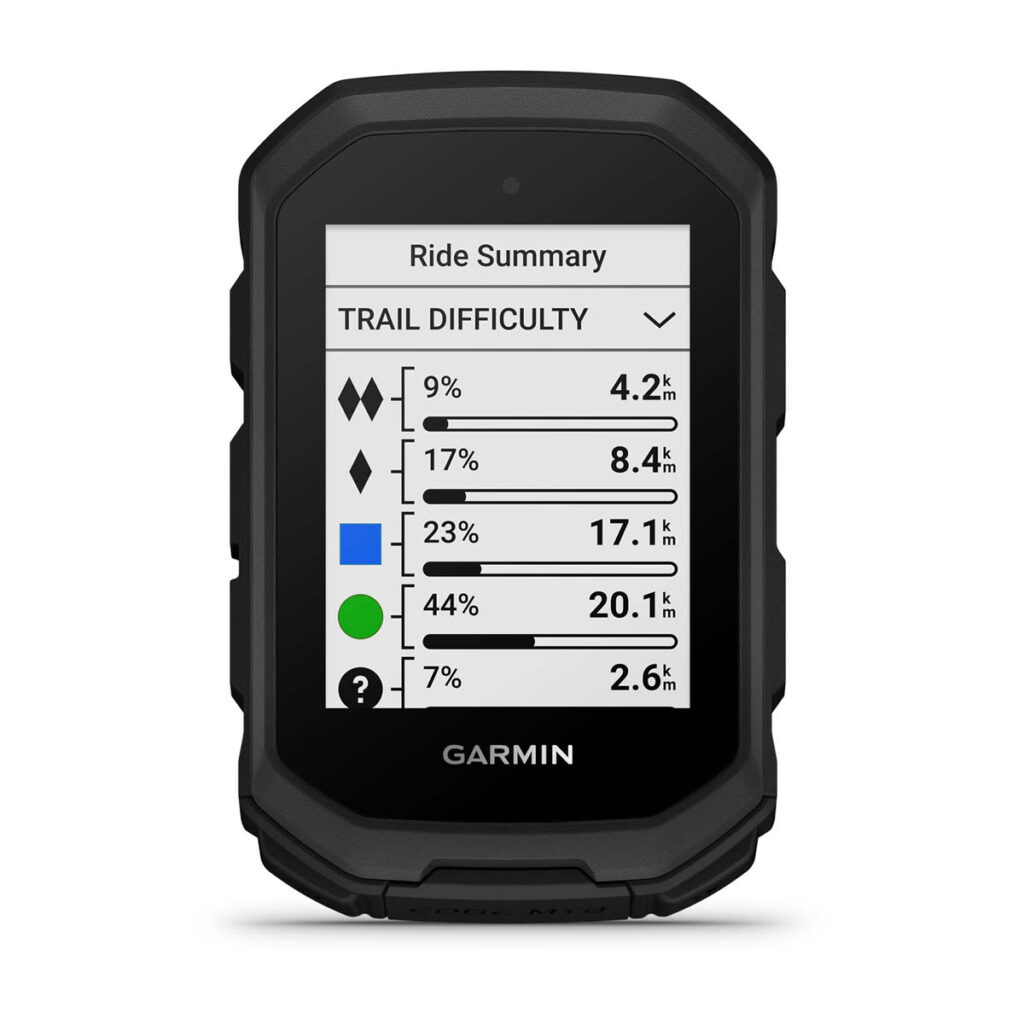
A map screen and another showing time, distance, elevation gain and battery level may be enough to start with. Add metrics only when you know which decision they help you make. The aim is not to distract you more on descents, but to prepare rides better and understand them afterwards.
Frequently Asked Questions Before Buying
Can I use it even if it does not connect to my motor?
Yes. Navigation and GPS recording are not the same as eBike integration. Without compatibility, you should not expect to receive all the electrical system's data.
Advertisement / sponsored link
Does 5 Hz recording work in battery saver mode?
Not according to the manual consulted. Prioritise what you need on that ride and check the selected profile.
Does estimated range mean I will get back safely?
No. It informs your decisions; it is not a guarantee. Terrain, assistance, battery condition and changes of plan mean you must keep a reserve.
Is it worth replacing a GPS that still works?
Not just for the MTB name. Compare specific functions on your existing model with its software updated, readability and your needs. If navigation already works well for you and you will not analyse descents, keeping it may be the most sensible decision.
Our approach: buy to meet an identified need
The Edge MTB is particularly relevant if you want a compact device dedicated to trails, navigation and downhill analysis. Connectivity with compatible systems adds value, but check it with your bike before making it a reason to buy.
Before spending: check readability, the mount, eBike data fields and a real example route. Do not pay for functions you will not use or assumed compatibility. Properly configured, it can organise information; poorly chosen, it is another screen to charge. The difference depends more on your rides and preparation than on accumulating specifications.
Sources and documentation
Information checked on 30 September 2026. Editorial guide based on official documentation, not our own ride test. Equipment and availability may vary by market.
- Garmin Spain: product page, price, gallery and box contents
- Bosch: Live Data Interface and Garmin Integration
- Garmin: Wireless sensors
- Garmin: eBike training
- Garmin: ForkSight
- Garmin: limits of 5 Hz recording
- Garmin: activity profiles
- Garmin: ClimbPro
- Garmin: creating timing gates
- Garmin: secure mounting of the bracket
- Garmin: specifications and battery life
- Garmin: detection of incidents and requirements
- Garmin: getting started
- Garmin: phone pairing
Have you used this bike, motor or component?
Join eRIDERSeMTB on Telegram to discuss real experiences with other riders: Bosch, Avinox, Shimano, deals, faults and buying decisions. The community currently speaks Spanish.
Join TelegramAdvertisement / sponsored link
Advertisement / sponsored link
Advertisement / sponsored link